EVR103 – Pro Digital Dashboard Watch Face
A futuristic digital dashboard built for power users. Full customization, smart shortcuts, and a battery-friendly Always-On Display.
Download now
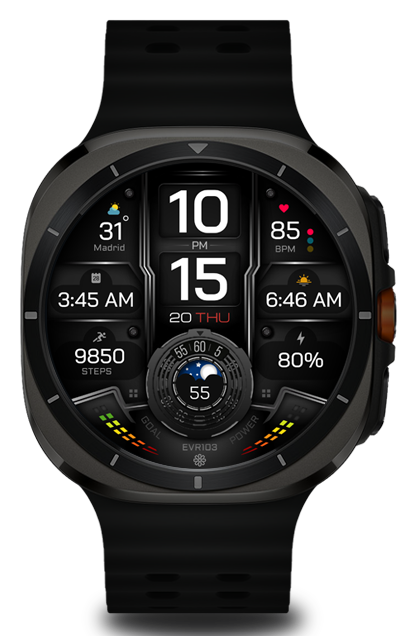
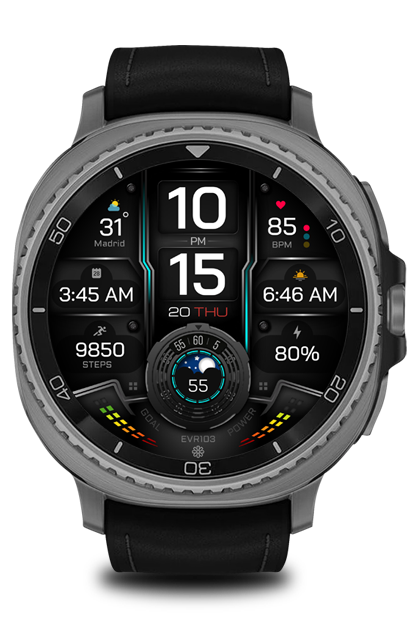
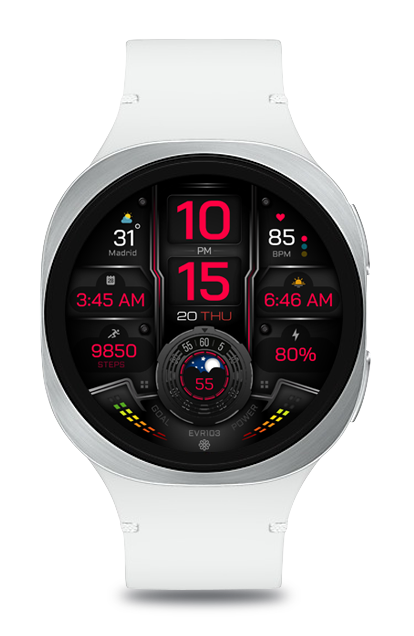
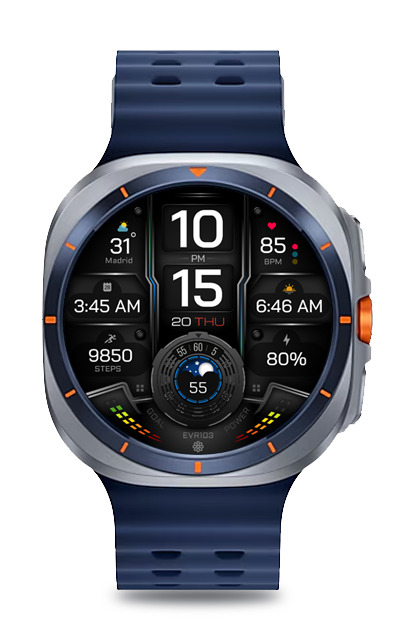
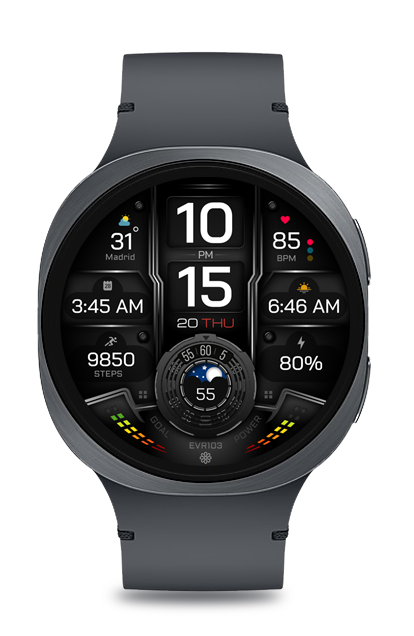
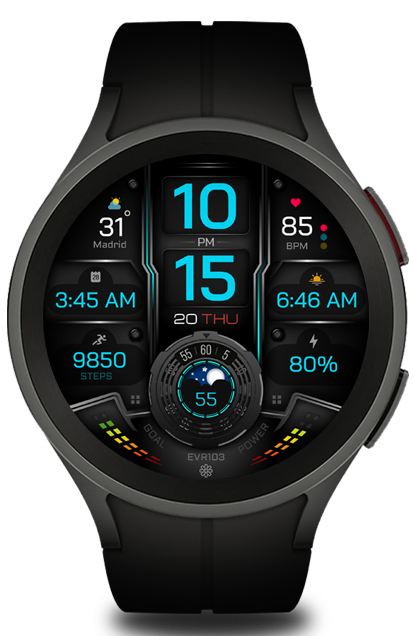
• Modern digital dashboard design
• 4 customizable data fields
• 2 custom app shortcuts
• Steps with visual progress
• Battery percentage with power consumption visualization
• Animated seconds movement in the bottom circle
• Dual seconds display (visual + numeric)
• Moon phases display
• AMOLED-optimized colors
• Battery-efficient Always-On Display (AOD)
Make sure your watch is connected to your phone.
Open the Play Store on your watch or use the "Install on Watch" button.
If needed, reinstall from your watch Play Store directly.
Customization
Long press on the watch face → Tap the ⚙️ icon to customize colors, shortcuts & complications.
"I have been using this watchface as my daily. So far, zero issues. Works great, no battery drain, and easy to read."

James
Galaxy watch 7"It's everything o.k. with the watch face. It nice, it has lot of information, it does not use a lot of battery (between 9 and 10% during the night)."
António
Galaxy watch Ultra"Nice watchface thank you."